
Ad Script and Shot List: From Brief to Shoot Plan with Gemini AI
Listen to this article5:47
Media7 uses Gemini AI to turn a brief into a script, shot list and visual prompts. It does not replace writers — it speeds brainstorming and pre-viz.
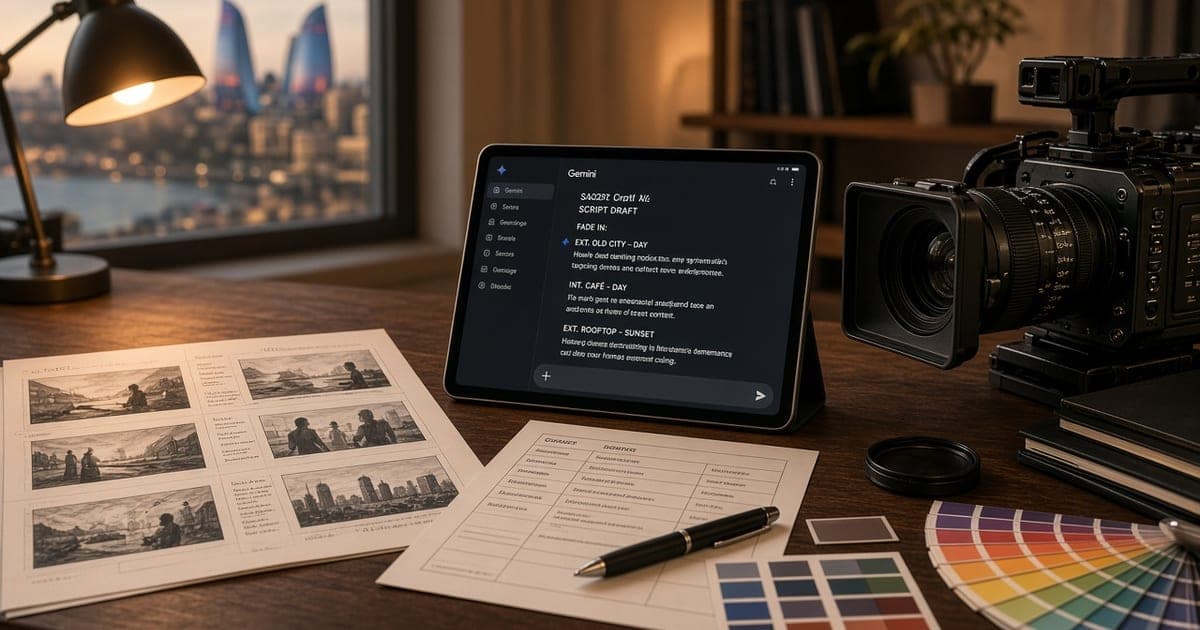
From brief to shot list: short answer
Gemini AI helps turn an advertising brief into a structured script, a shot list and visual prompts. Media7 uses the tool to speed brainstorming and pre-viz; it does not replace a professional writer or director. Final decisions always stay with the team, based on brand, message and what can actually be shot. AI output is only a starting point; the final text and shot plan pass through human editing.
Where Gemini sits in production
In a classic ad workflow, brief, script, shot list and visual references are prepared in sequence. Each step takes time, especially when several options are needed. Gemini can read the same brief in several tones and structures: a corridor script, a short social cut, a 30-second TV spot or a 60-second brand film.
At Media7, AI output is treated as a first draft. The writer checks dialogue, product claims and legal limits. The director judges whether shots are shootable: studio, location, light and time budget. That split keeps AI speed while quality and responsibility stay with the crew.
From brief to script: a practical flow
Good results need a clear brief. Media7 usually structures these fields: goal, audience, core message, product or service, must-have shots, forbidden phrases, duration and format.
When the brief is passed to Gemini, three blocks are requested: a short script, a shot-by-shot table and a visual prompt for each key shot. The script splits dialogue and voice-over. The shot table has shot number, place, camera move, duration and notes.
That format is readable for the editor and the camera operator. It reduces time loss on shoot day because the crew works from one document. If the brief has empty fields, AI may fill gaps with guesses; Media7 therefore completes the brief first, then runs the model.
Shot lists and visual prompts
A shot list is not only pictures; it shows the job of each shot: grab attention, explain benefits, give social proof or close with a CTA. Visual prompts from Gemini can be passed into Midjourney or other pre-viz tools.
Media7 tightens prompts with brand colours, lens type and lighting style. For example, a product close-up with an 85mm equivalent, soft studio light and a neutral background; a lifestyle frame with natural light and a 35mm field of view. The client sees the visual language before the shoot and agrees changes on paper, not on set.
What AI speeds up and what it does not replace
Faster: option brainstorming, parallel short and long versions, a first-pass shot list, a prompt booklet, alternative titles for subtitles and SEO.
Not replaced: brand voice, legal review, product accuracy, real location limits, talent and crew direction, final edit rhythm. Media7 presents AI as a fast assistant, not a substitute writer. That distinction also keeps client expectations honest: AI proposes options, the team decides.
Quality check: Media7 checklist
Every AI draft gets a short review.
Does the message match the core benefit in the brief.
Does dialogue and voice-over sound natural.
Do the shots fit one shoot day.
Do visual prompts match the brand palette.
Is the CTA clear and not repeated.
Without this list, sending AI text straight to set is risky. The check may take 30–60 minutes, but it can save hours on shoot day. Media7 also shares written notes with the client so approval stays transparent.
Where it helps most
Gemini is especially useful when several platform versions come from one brief, when the client has not chosen a visual style yet, when product features are many and the script must be compressed, or when the team must present pre-viz quickly.
The same flow is used on classic video production and AI video production projects: brief → AI draft → human edit → client approval → shoot or AI finish. It also works for B2B corporate films, with a calmer and more factual tone.
Example workflow: a 30-second ad
The brief arrives: product, audience, duration, language. Gemini returns three script options and an 8–12 shot list. The writer picks one option and cleans the dialogue. The director splits shots between studio and location. Six to eight pre-viz frames are made from the visual prompts. The client approves. Shoot day follows the shot list, and the edit is checked against the script.
This process can cut brainstorming from days to hours. Final quality still depends on human editing. If the client later changes the message, rebuilding options with AI is faster than rewriting the old script from scratch.
What you need to start
A clear brief, must-have and forbidden messages, reference videos or a brand kit, duration and format, language (az/en/ru). Media7 takes the brief, builds a first Gemini draft, then sends a written proposal and shoot plan. For scope and pricing, use the price calculator or contact. The clearer the brief, the fewer edits the AI draft needs.