
How to control reflections in cosmetic product photography
Listen to this article2:17
Glass, metal and lacquer bounce every light. A catalogue looks premium when the reflection is steered, not deleted.
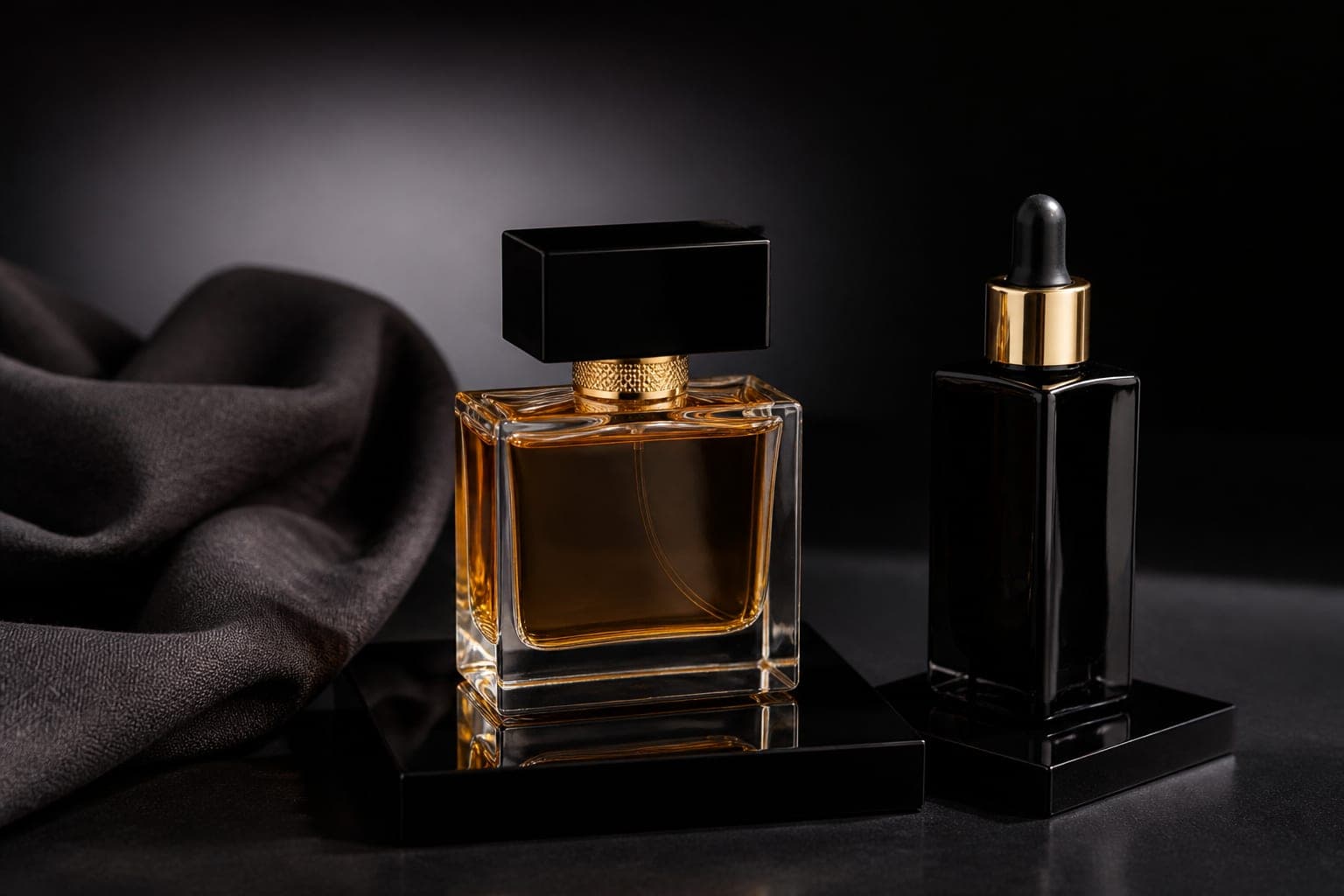
Glossy packaging does not hide light, it reports it
A bottle, a lipstick barrel and a metal cap behave like mirrors. A window, a softbox, even a photographer's shirt can land on the label. Deleting the reflection later makes the frame cheap and dead. The job is to shape the reflection, not to erase it.
Read the surface first
Glass both transmits and reflects, and the liquid inside shifts colour as the light moves. A metal cap wants a thin bright line. Frosted glass and kraft want softer light. If all three sit on one table, shoot them in groups so the setup is not rebuilt for every SKU.
Keep the light large and a little further back
A small, close source leaves a white blob on glass. A large softbox or a window draws a smooth, readable stripe down the body. That stripe is what describes the shape. A weaker second light keeps the shadow side from falling to black; a third light is usually too much.
When a polarising filter helps
Use one when the label cannot be read or a ceiling lamp is sitting inside the bottle. Polarisation removes part of the glare, not all of it. Strip the reflection completely and the glass looks like plastic. Turn the filter until the type is readable, then stop.
Black and white cards do more than extra lamps
A black card at the edge of the bottle thins the highlight. A white card puts a little life back into the shadow. Those two cards often beat a third head. Hands and cards must stay out of the frame, which means a tripod and a slower pace.
What retouching must not touch
Dust, fingerprints and stray fibres can go. The main light stripe that holds the object's shape cannot. You can nudge colour toward the brand swatch, but you cannot recolour one bottle into another shade; each variant is shot on its own.
Catalogue and campaign can share one setup
White covers marketplaces and the site; dark covers a campaign. Keep the lighting scheme and change only the background and you leave with both sets in a day. Media7 can add a texture macro and a short product video in the same session, because the reflection is already under control.