
Marketplace product image sizes and a quality checklist
Listen to this article3:46
On a marketplace an image is a technical requirement, not decoration. Size, ratio, background, hero frame, gallery order, colour and an upload checklist.
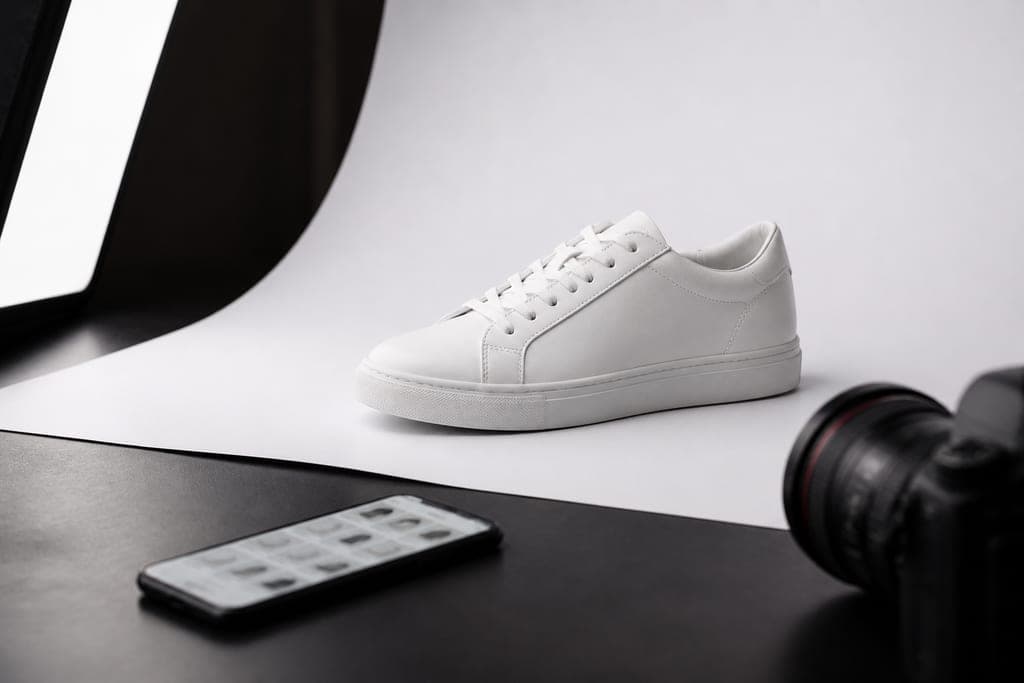
A marketplace image is a technical requirement, not decoration
On your own website you can place a frame however you like. On a marketplace, an image that does not match the platform rules either fails to upload or gets cropped and loses half the product. Read the platform's current specification before the shoot; what follows are the general principles that hold almost everywhere.
Size and aspect ratio
Square, 1:1, is the most common format because catalogue grids are built from square cells. A safe target for the long edge is 1600 pixels or more, which lets the zoom function work properly. Some categories also accept a 3:4 vertical. Always shoot larger than you need: downsizing is easy, upsizing is not.
Background rules
Clean white is the standard for the main image. Genuinely white, not slightly grey, otherwise the product looks dirty in a grid of competing listings. Do not delete the shadow completely, though: a soft contact shadow stops the product floating in mid-air. Lifestyle and context frames belong later in the gallery.
The hero frame has one job
The first image is the only one visible in search results, and it decides the click. The product should fill most of the frame with a small margin around it. Keep text, watermarks, promotional badges and collages out of the hero image; many platforms ban them outright and the listing fails moderation.
Gallery order affects conversion
A sequence that works: hero on white, three-quarter view, detail, scale, in use, packaging and what is in the box. Shoppers usually see the first three images, so put your strongest proof first. A size chart or specification graphic makes sense from the fourth position onwards.
Check it on a phone
Most listings are opened on a phone. A detail that looks neat on a monitor can disappear on a small screen. The simple test: open the image at thumbnail size on a phone and see whether you can tell what the product is within a second. If not, crop tighter or simplify the frame.
Colour accuracy reduces returns
If a shirt reads blue on screen and grey in the hand, a return is almost guaranteed. A colour target on set, a calibrated monitor and a check against the physical sample cut that risk substantially. Colour variants must each be photographed separately; recolouring one frame in an editor is not an acceptable shortcut.
File format, weight and naming
JPEG is fine in most cases; PNG is for transparent backgrounds. Keep files under the platform limit without over-compressing, because artefacts destroy fine detail. Tie the naming to the SKU code: code, angle, variant. This reduces upload errors and makes the archive searchable later.
A pre-upload quality checklist
Background clean and consistent; product centred and not clipped; no dust, fingerprints or artefacts; shadow looks natural; colour matches the real item; size and ratio meet the platform spec; no text in the hero image; gallery in the right order; filenames match the SKU. Nine checks take a few minutes and prevent both moderation rejections and a reshoot.
One shoot for every channel
A single day can produce white-background frames for marketplaces, lifestyle images for your own site and vertical crops for social media. This is the most economical approach because product, lighting and crew only come together once. Media7 plans product photography this way and delivers ready-made sizes for each channel separately.